



Ultimate All-Level Excel Bootcamp
5819 Enrolled
69 Hours
Deal Price$35.00
Suggested Price
$249.00
You save 85%
🔥 5,000+ Sold! Selling Fast
Ultimate All-Level Excel Bootcamp
$35.00$249.0085% OFF
87 Lessons (69h)
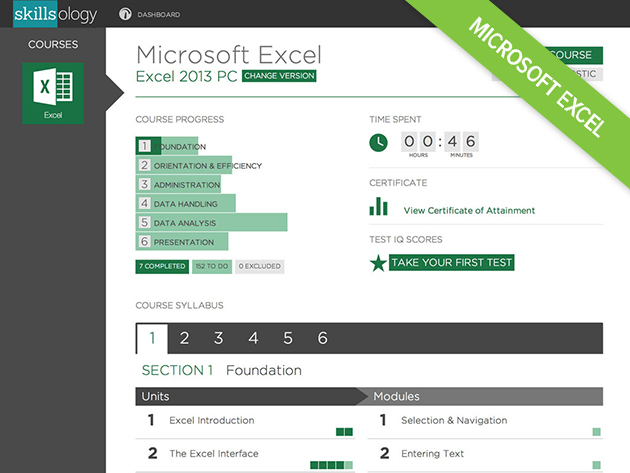
- Microsoft Excel Course Section 1: FoundationUnit 1.1 - Excel IntroductionUnit 1.2 - The Excel InterfaceUnit 1.3 - Basic Navigation and EditingUnit 1.4 - Getting Going
- Section 2: Orientation & efficiencyUnit 2.1 - EditingUnit 2.2 - ViewingUnit 2.3 - Spreadsheet StructureUnit 2.4 - Cell ReferencesUnit 2.5 - Named RangesUnit 2.6 - Basic MacrosUnit 2.7 - Design
- Section 3: AdministrationUnit 3.1 - Customising ExcelUnit 3.2 - HousekeepingUnit 3.3 - Connecting WorkbooksUnit 3.4 - DocumentationUnit 3.5 - Protecting and SharingUnit 3.6 - Google DocsUnit 3.7 - Excel Troubleshooting
- Section 4: Data HandlingUnit 4.1 - Sorting and FilteringUnit 4.2 - Controlling User InputUnit 4.3 - Working with Dates & TimesUnit 4.4 - Working with TextUnit 4.5 - Lookup and ReferenceUnit 4.6 - Logical Functions
- Section 5: Data AnalysisUnit 5.1 - Working with NumbersUnit 5.2 - Summarising DataUnit 5.3 - PivotTables 1 - Simple SummariesUnit 5.4 - PivotTables 2 - Manipulating DataUnit 5.5 - PivotTables 3 - Interpreting DataUnit 5.6 - PowerPivot: Handling Big DataUnit 5.7 - Formula AuditingUnit 5.8 - Advanced Macros and VBAUnit 5.9 - Modelling
- Section 6: PresentationUnit 6.1 - Cell FormattingUnit 6.2 - Number FormattingUnit 6.3 - Conditional FormattingUnit 6.4 - Graphs and ChartsUnit 6.5 - Page and print setup
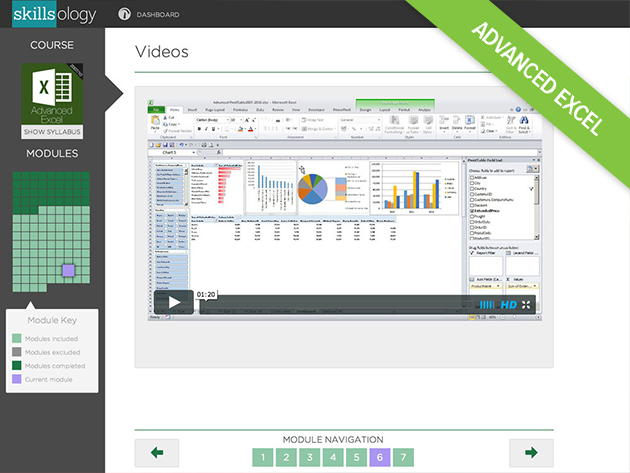
- Advanced Excel Course Section 1: Design and RiskUnit 1.1 - TemplatesUnit 1.2 - Efficiency and RiskUnit 1.3 - Data Validation
- Section 2: Advanced TechniquesUnit 2.1 - Functions and SuperpowersUnit 2.2 - Array FormulaeUnit 2.3 - TablesUnit 2.4 - Advanced Range NamesUnit 2.5 - What If?Unit 2.6 - Problem Solving
- Section 3: Excel InteractivityUnit 3.1 - Form ControlsUnit 3.2 - Visual Basic and Macros
- Section 4: Spreadsheet ImpactUnit 4.1 - Practical Interactivity with VBAUnit 4.2 - Conditional FormattingUnit 4.3 - Charts that InspireUnit 4.4 - SparklinesUnit 4.5 - Graphics Tricks and TechniquesUnit 4.6 - Working with External Data
- Section 5: Turning Data into DecisionsUnit 5.1 - Advanced Uses of PivotTablesUnit 5.2 - PowerPivotUnit 5.3 - Reporting with PowerPivot
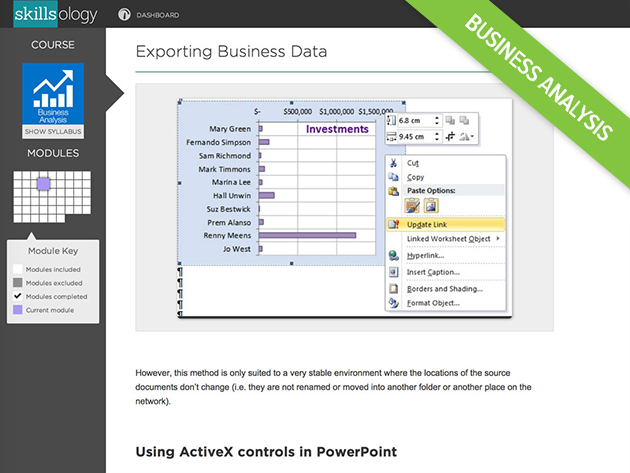
- Business Analysis Section 1: IntroductionUnit 1.1 - Turning Numbers into Better Business Decisions
- Section 2: The Business Analyst's Excel ToolboxUnit 2.1 - Essential Excel for Business AnalysisUnit 2.2 - Professional Tools for Business Analysts
- Section 3: Collecting and Managing Business DataUnit 3.1 - Importing and Exporting DataUnit 3.2 - Power Functions for Managing Business Data
- Section 4: Communicating Your MessageUnit 4.1 - Your Stakeholders and Their NeedsUnit 4.2 - Data Presentation Formats That Work
- Section 5: Winning Charts for Business CommunicationUnit 5.1 - Professional ChartingUnit 5.2 - Dynamic ChartsUnit 5.3 - Some Special Charts for Business Analysis
- Section 6: Looking Inside your Data (Analysis)Unit 6.1 - Analysing Data With Pivot TablesUnit 6.2 - Managing Pivot Tables Output
- Section 7: Comparing Business ScenariosUnit 7.1 - Decision Making With Compared ScenariosUnit 7.2 - The Scenario Manager
- Section 8: Looking Outside Your Data (Forecasting)Unit 8.1 - Time Series and ForecastingUnit 8.2 - Working With Moving AveragesUnit 8.3 - Introduction to Regression -Section 9: EndingUnit 9.1 - Ending
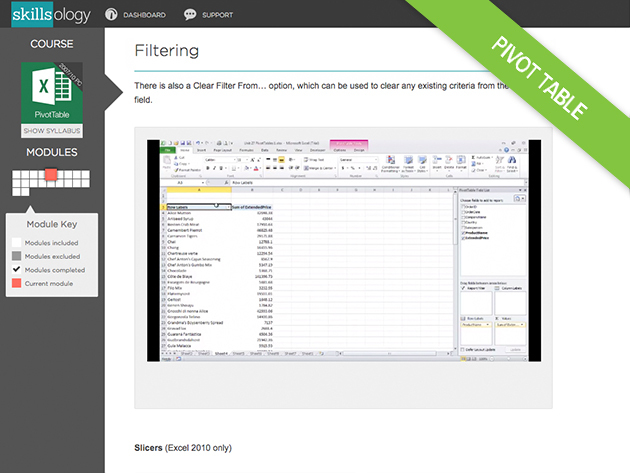
- PivotTable Course Section 1: PivotTablesUnit 1.1 - Introduction - Finding the Best or the WorstUnit 1.2 - Filter and Group to Compare and ContrastUnit 1.3 - Presentation - Clarity and ImpactUnit 1.4 - Calculations - Adding Value to ValuesUnit 1.5 - Your Data Your Way - Flexible ReportingUnit 1.6 - Power to the User - Interactivity
- Section 2: PivotTables for Data AnalysisUnit 2.1 - Dominate Your DataUnit 2.2 - PowerPivot and Big DataUnit 2.3 - Make Your Data Work HarderUnit 2.4 - From Data to DecisionsUnit 2.5 - Present Data Analysis with Impact
Ultimate All-Level Excel Bootcamp
$35.00$249.0085% OFF
DescriptionInstructorImportant DetailsRelated Products
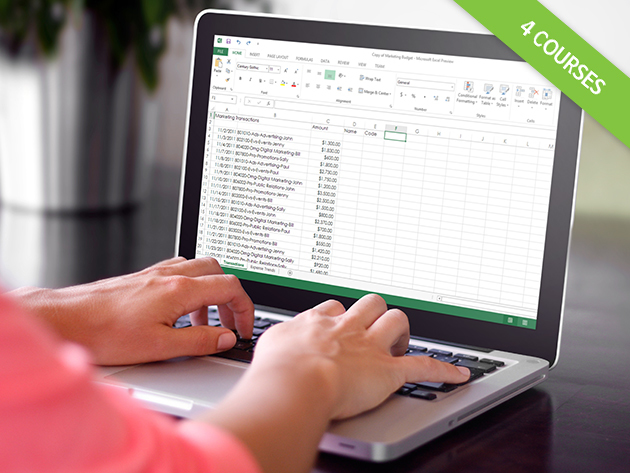
Manipulate Data like a Pro with 4 Courses (69 Hours of Content!) for the Business-Minded
S
SkillsologyWith over 500,000 users throughout the world, Skillsology has developed courses with an emphasis on high-quality training for business or pleasure, with courses in Excel, Project Management, Web-Design, Accounting and Bookkeeping, and various languages. Users work through a combination of videos, text, and practice exercises to become experts in different areas. Online tests begin and end courses to allow users to measure their proficiency, and course diagnostics are used in business courses to pinpoint areas for improvement.
- For more details on Standard Microsoft Excel Course, click here.
- For more details on Advanced Microsoft Excel Course, click here.
- For more details on Business Analysis Course, click here.
- For more details on Pivot Table Course, click here.
Terms
- Instant digital redemption
Your Cart
Your cart is empty. Continue Shopping!
Processing order...