All 5 Microsoft Office 2024 Apps—No Subscriptions
Get Microsoft Office 2024 for one price—no monthly subscriptions, no recurring fees. Install Word, Excel, PowerPoint, Outlook, and OneNote on your PC or Mac, and you're set for life. This is the complete Office suite with a one-time purchase model instead of Microsoft 365's ongoing costs.
Unlike Google Docs and Sheets, Microsoft Office works fully offline — no browser, no internet required. You get the full desktop app experience with advanced features like Excel's Dynamic Arrays, Outlook's full email and calendar management, and Word's advanced formatting toolkit that free online alternatives don't match.
You can work anywhere, even offline. All your Office files stay on your device and sync when you reconnect to the internet. New feature updates are included at no extra cost, so you always have the latest tools.
This version includes all 5 apps—Word, Excel, PowerPoint, Outlook for email and calendar management, and OneNote. Unlike the Home version, Home & Business gives you Outlook for professional email and calendar organization, making it ideal for both personal and business workflows.
Office 2024 now includes AI-powered features: Smart Compose in Word suggests text as you type, Dynamic Arrays in Excel simplify complex data work, and AI Data Insights help you spot trends and create charts faster. Real-time collaboration means you and your team can co-author documents, share feedback with comments and chat, and stay connected through Microsoft Teams integration.
IMPORTANT: This licensing type will be connected with your Microsoft Account, NOT your actual device. This is a one-use code.
Why This Deal Stands Out
-
One-Time Purchase: Buy once, use forever. No monthly or annual subscription fees like Microsoft 365.
-
All 5 Core Office Apps: Word, Excel, PowerPoint, Outlook, and OneNote—everything for personal and professional work.
-
Works Offline: Use all features without internet; files sync automatically when you reconnect.
-
Email & Calendar Built In: Outlook handles email, calendar, and contacts—no separate tool needed.
-
AI Features for Faster Work: Smart Compose drafts text in Word, Dynamic Arrays handle complex data in Excel, AI Data Insights suggest charts and trends automatically.
-
Real-Time Collaboration: Co-author documents with others, add comments and chat in-app, and connect seamlessly with Microsoft Teams.
-
Lifetime Feature Updates: New capabilities roll out at no extra cost.
-
Choose PC or Mac: Works on either platform; one license per device.
Microsoft Office 2024 Home & Business
 | Microsoft Office Word |
 | Microsoft Office Excel |
 | Microsoft Office PowerPoint |
 | Microsoft Office Outlook |
 | Microsoft Office OneNote |
What's New?
WORD
-
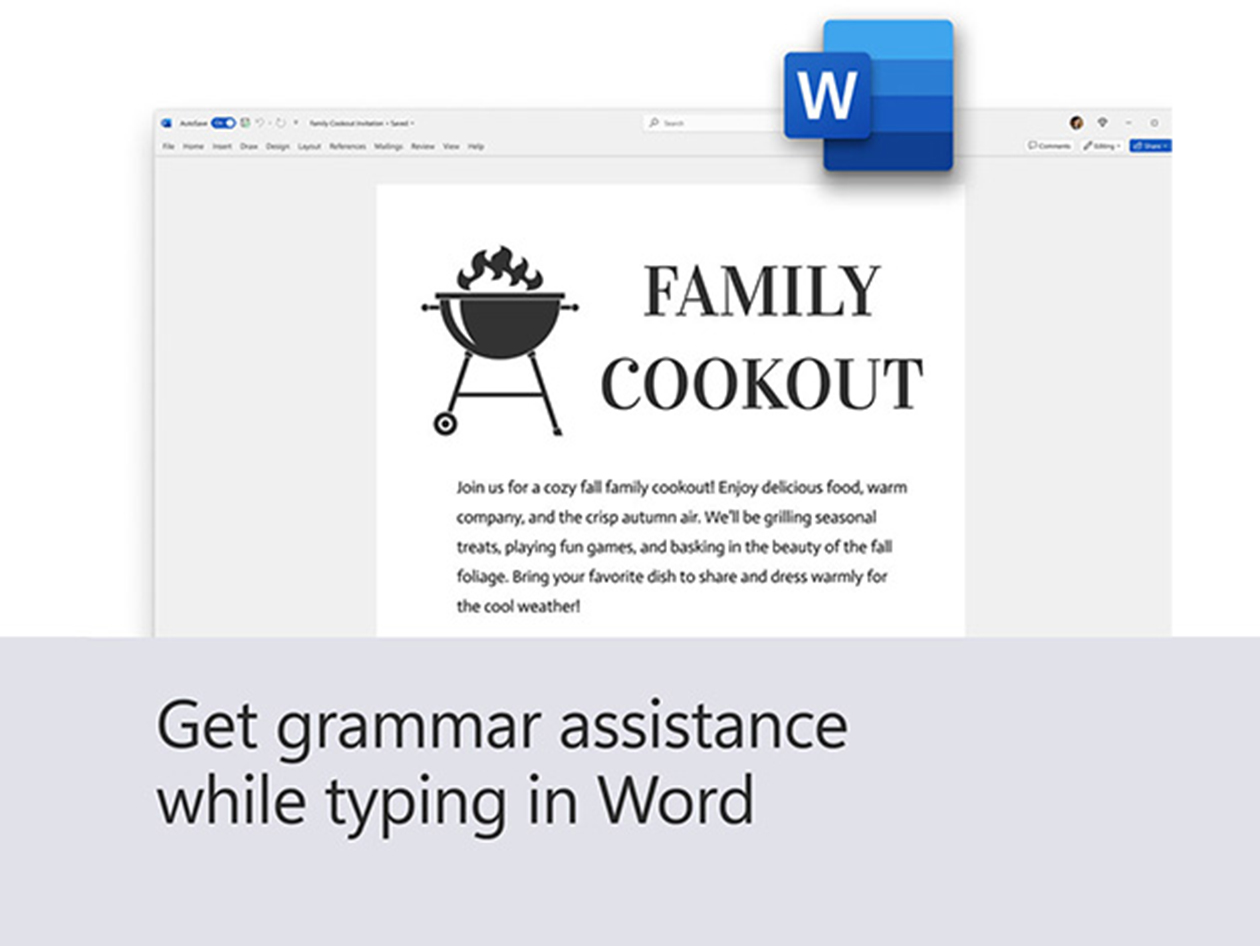
Focus Mode in Word: Focus Mode in Word reduces distractions by hiding unnecessary toolbars, allowing users to concentrate solely on their writing. It's ideal for professionals needing uninterrupted time to create documents.
-
Smart Compose: This feature uses AI to suggest text based on the context of your writing. It helps you complete sentences or come up with ideas, making the writing process quicker and more efficient.
-
Improved Research Tools: Advanced research features enable users to conduct thorough research within the application, simplifying citation and reference management.
EXCEL
-
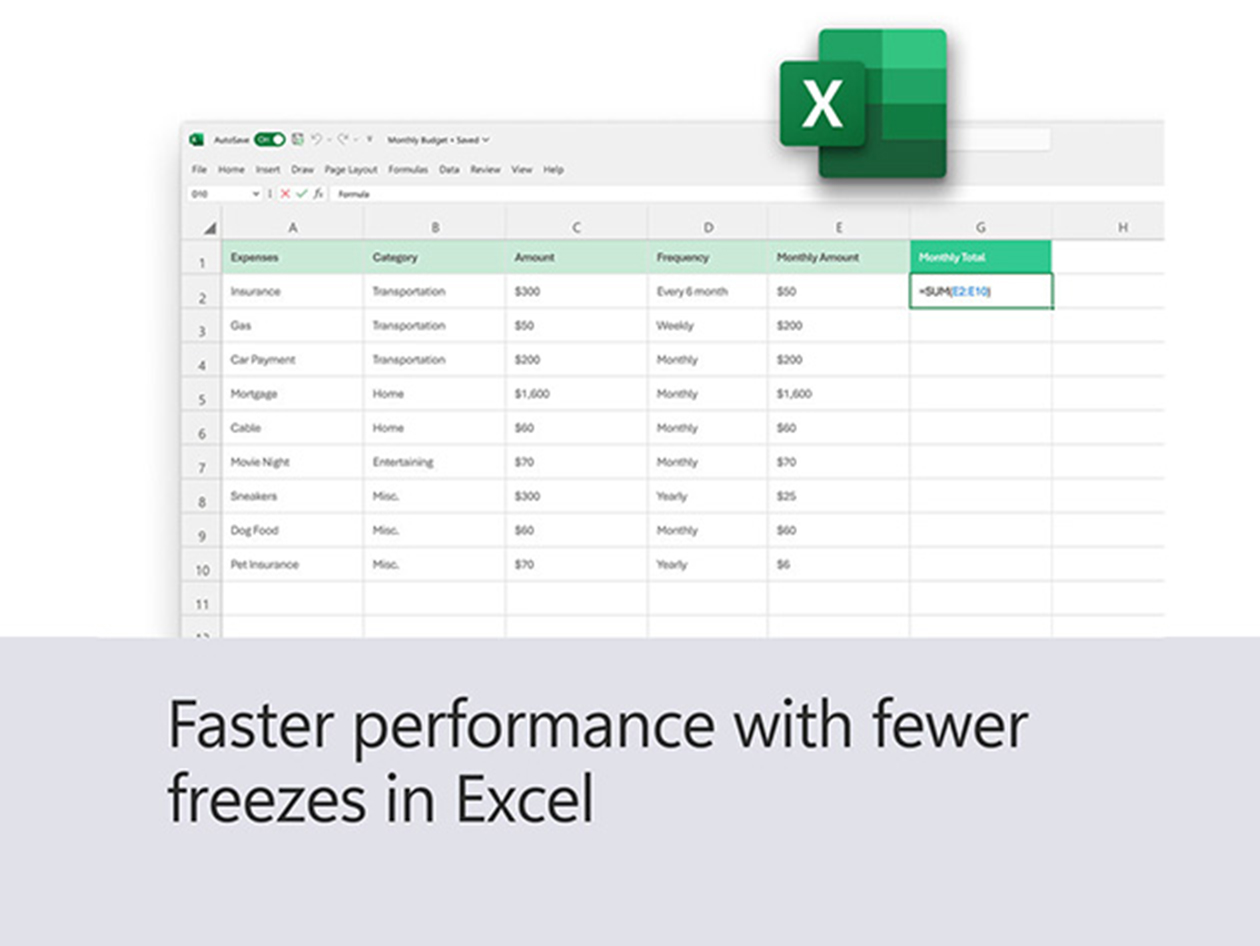
Dynamic Arrays: Excel 2024 introduces dynamic arrays, allowing formulas to return multiple results that spill into adjacent cells, simplifying data manipulation for complex datasets.
-
AI Data Insights: Excel now includes AI capabilities that can analyze data trends and suggest effective visualizations, helping users make quick, data-driven decisions.
POWERPOINT
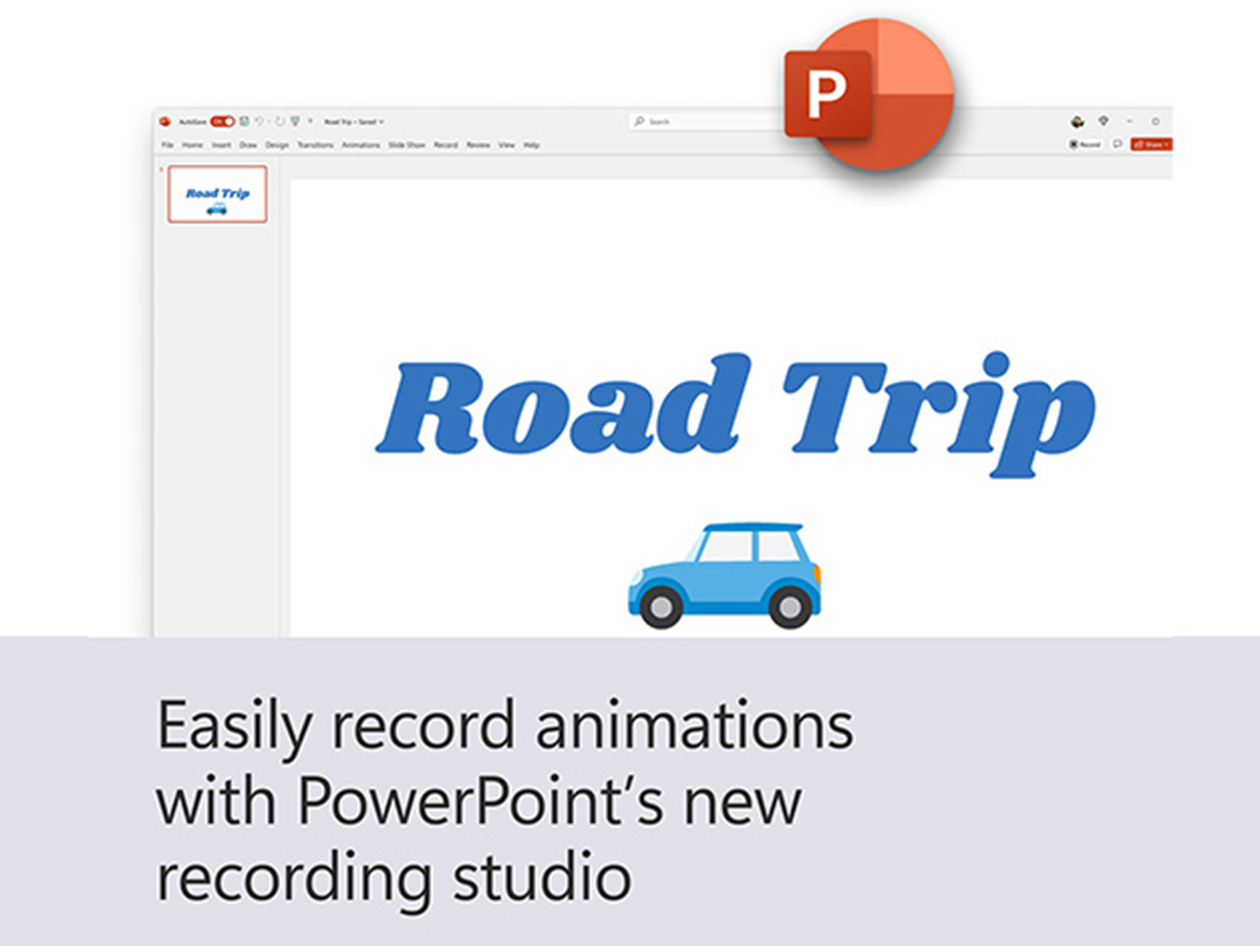
- Recording Presentations: PowerPoint 2024 now lets users record presentations with voice, video, and closed captions, making it ideal for online classes and remote meetings.
-
Enhanced Storytelling Features: New multimedia tools, such as videos and audio clips, help users create engaging presentations with smoother transitions and enhanced storytelling.
Reviews
-
Best Buy: 4.4/5 stars from 427+ verified customer reviews ★ ★ ★ ★ ★ ★
The product you are purchasing is NOT MICROSOFT 365. Please read the product details.